
Free Desktop App
Download Optix LAB MedSync
Free desktop app for your lab — your data stays on your computer.
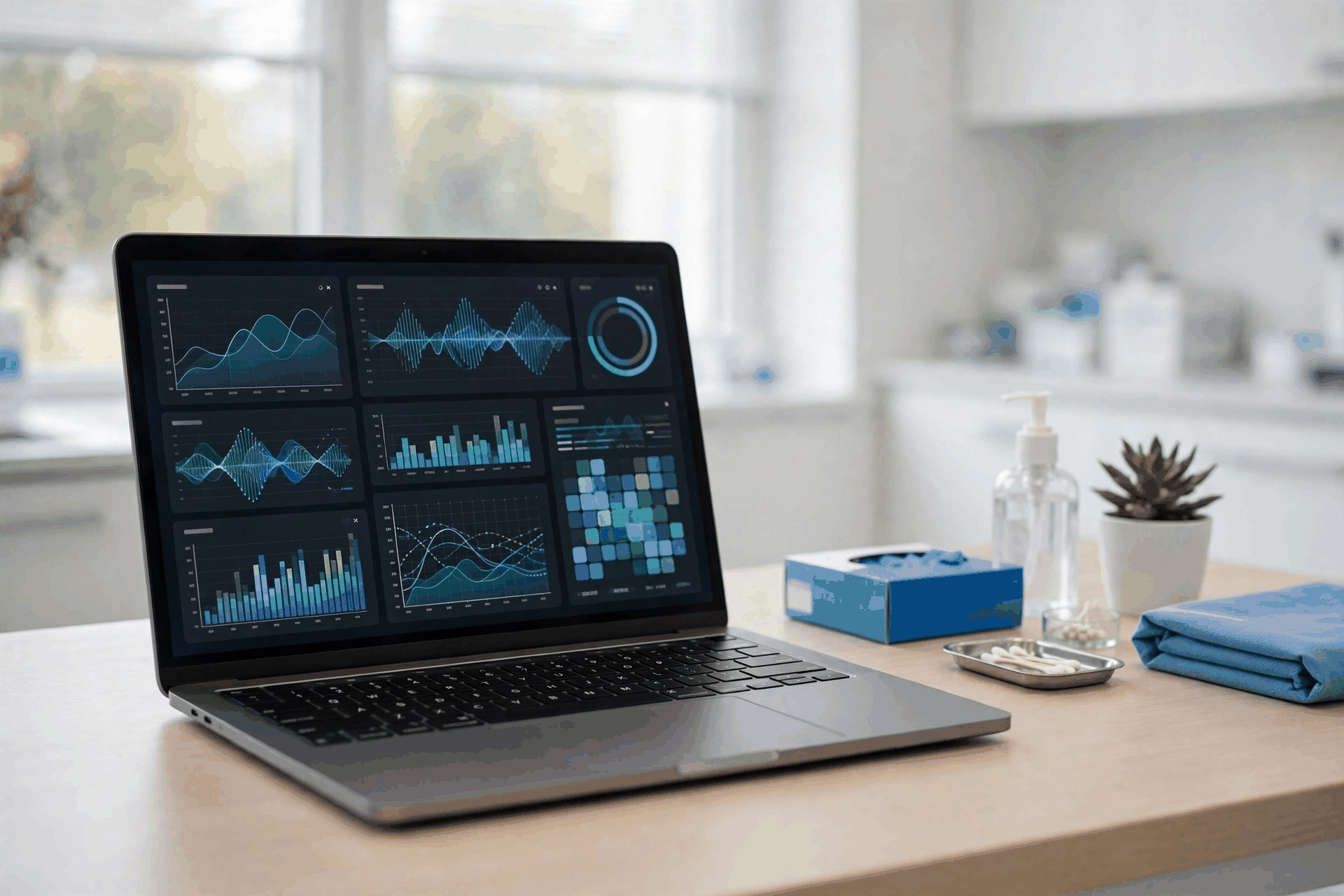
Install in 3 steps
Windows
- Download the .exe installer using the button above.
- Run it and follow the setup wizard (Next → Install).
- Launch Optix LAB MedSync from the desktop or Start menu and log in.
macOS
- Download the .dmg.tar.gz file using the button above, then extract it to get the .dmg.
- Open it and drag Optix LAB MedSync into Applications.
- Open from Applications (first launch: right-click → Open) and log in.
System requirements
Windows
- Windows 10 or 11, 64-bit
- 4 GB RAM or more
- 500 MB free disk space
macOS
- macOS 12 or later
- Apple Silicon (M1/M2/M3/M4)
- 500 MB free disk space
No internet needed after install • Free updates • Your data stays on your computer