Laboratory
Patients, billing, test results, QR-verified PDF reports, WhatsApp delivery, doctor commission, corporate clients and outsourced tests.
See the lab featuresPatients, billing, lab results, QR-verified PDF reports and WhatsApp delivery — on Windows, Mac, Android and the web, and it keeps working even when the internet is down.
No credit card needed · Works offline · Windows, Mac, Android & Web

We started with the laboratory. Pharmacy and hospital / clinic software run on the same Optix account.
Patients, billing, test results, QR-verified PDF reports, WhatsApp delivery, doctor commission, corporate clients and outsourced tests.
See the lab featuresBarcode billing, medicine stock with batch and expiry control, supplier purchases, returns and customer credit.
Visit the Pharmacy websiteAppointments, doctor calendars, patient records, billing, stock and an audit trail for every hospital.
Visit the Hospital websiteImaging centres, collection centres and other medical services. Tell us which one you want first.
Tell us what you needOne Optix account can open the lab, pharmacy and hospital apps, so your staff are set up only once. See all Optix apps.
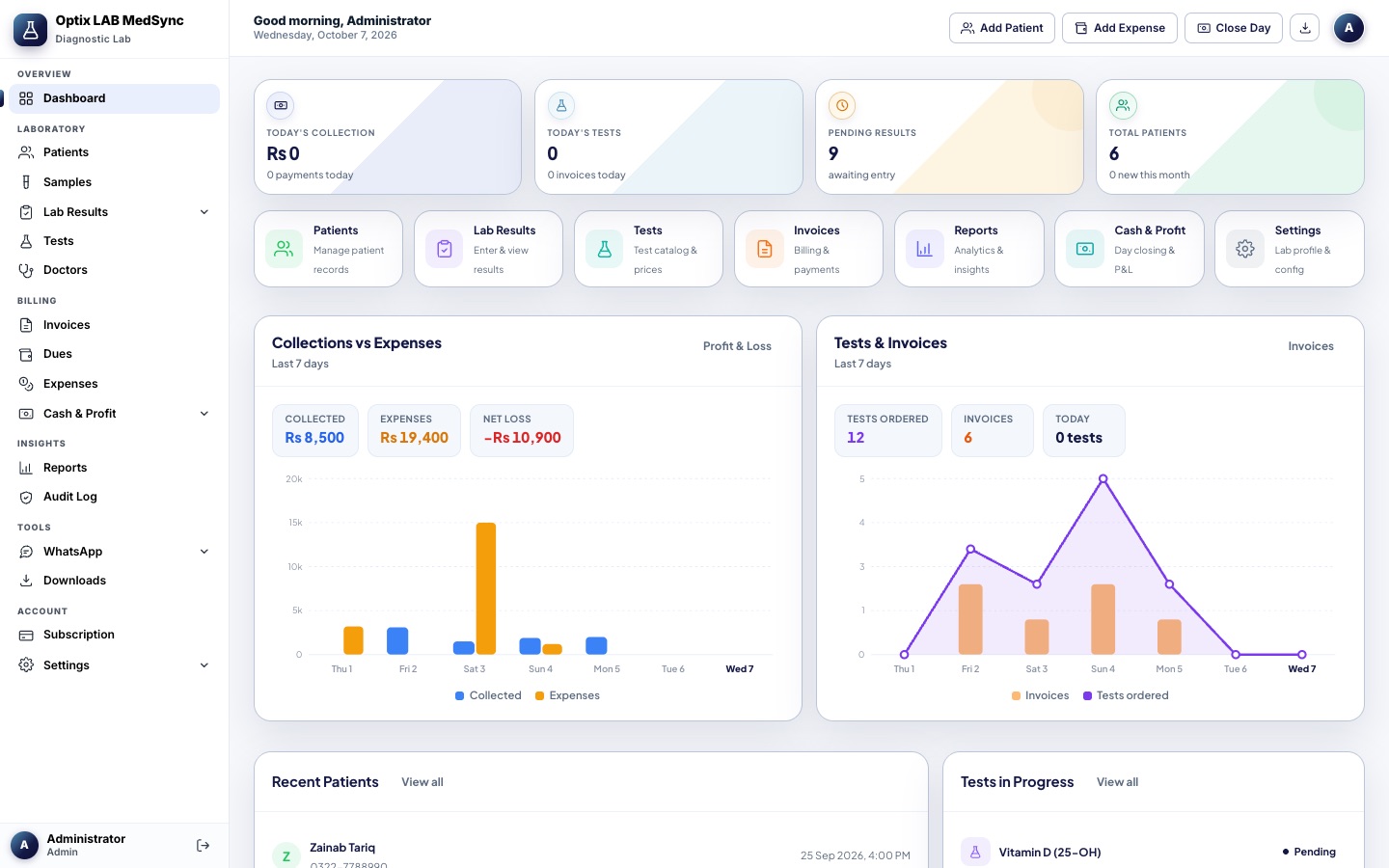
From the front desk to the final report. Optix Medical Sync covers the daily work of a diagnostic lab.


Register patients, bill their tests and track every unpaid balance with dues tracking.
Normal ranges fill in automatically by age and gender. Abnormal values show in colour.
A red pop-up on screen and a WhatsApp message to the doctor and the lab.
Print or share clean PDF reports. A QR code on each one lets anyone verify it.
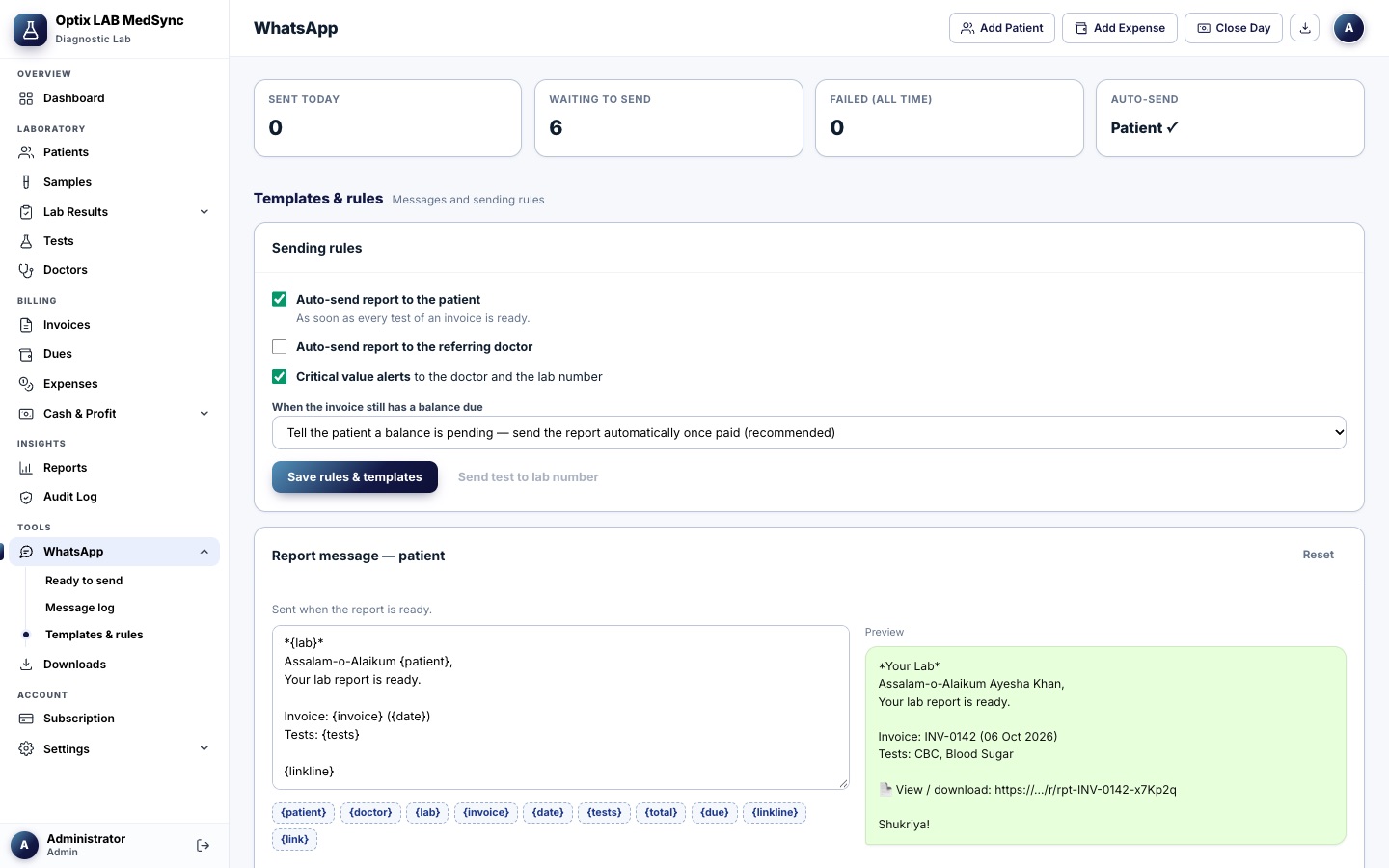
Auto-send reports, edit your message templates and set rules for invoices with a balance due.
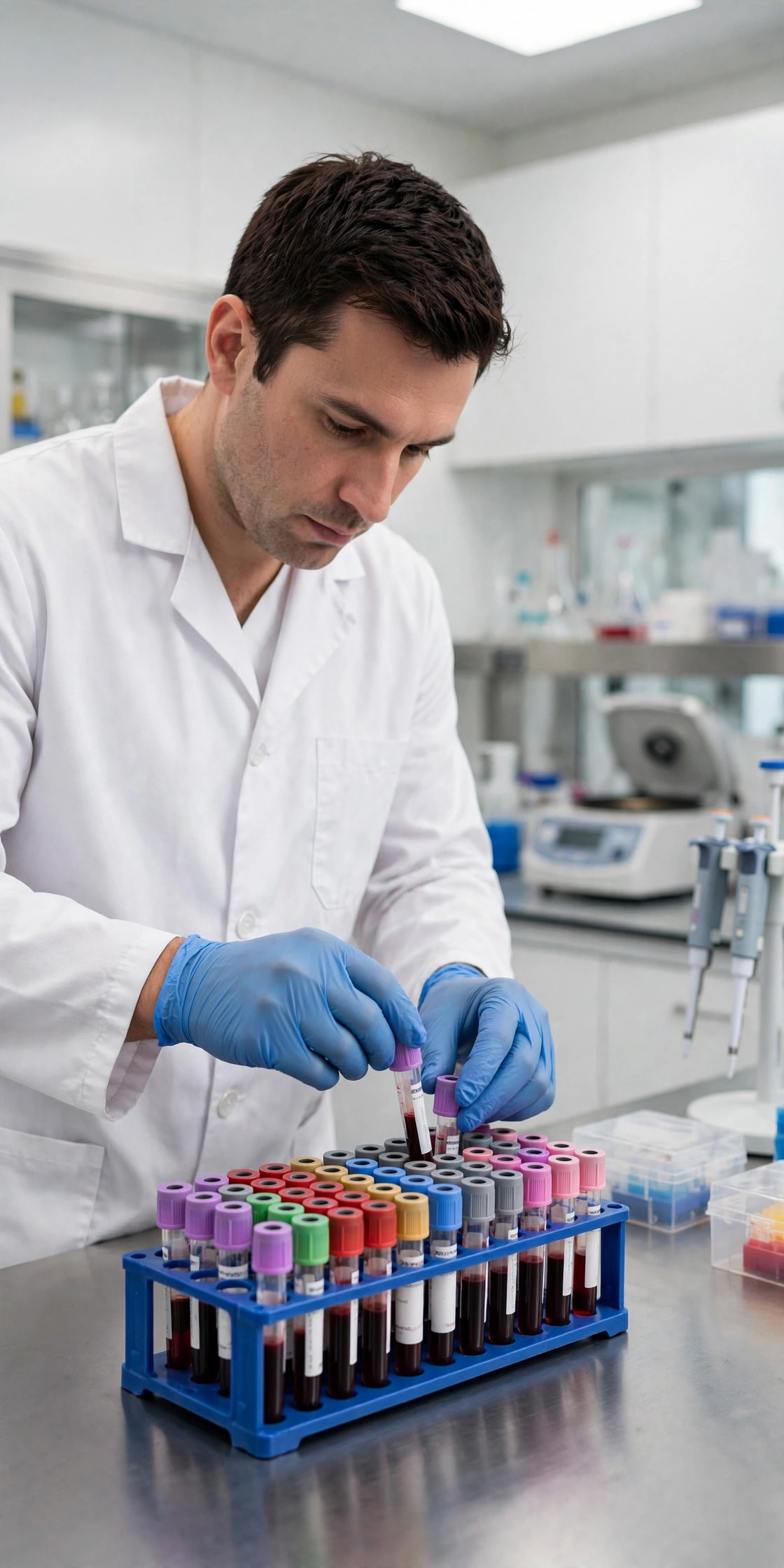
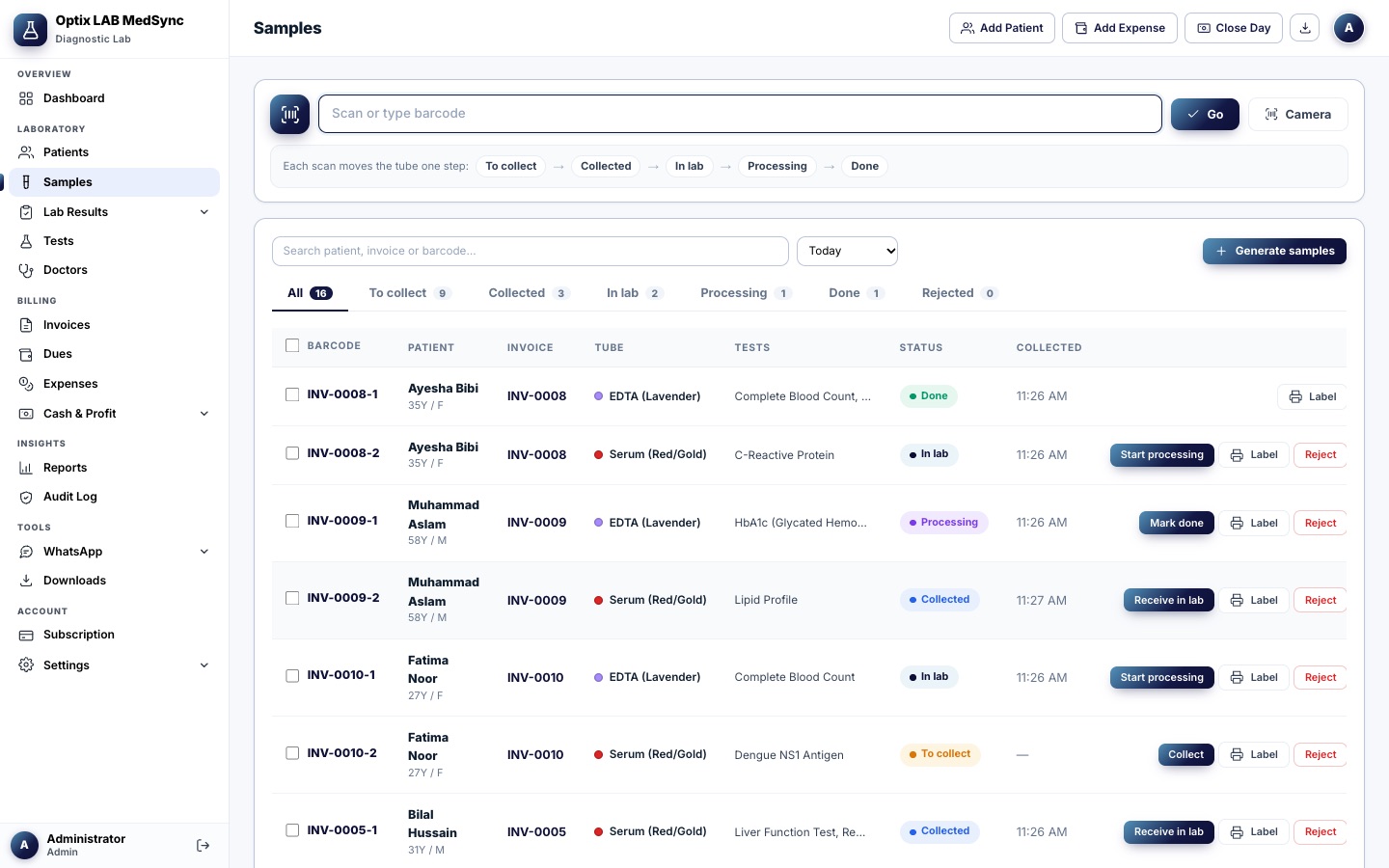
Print barcode labels and follow each sample: collected, received, processing, done.
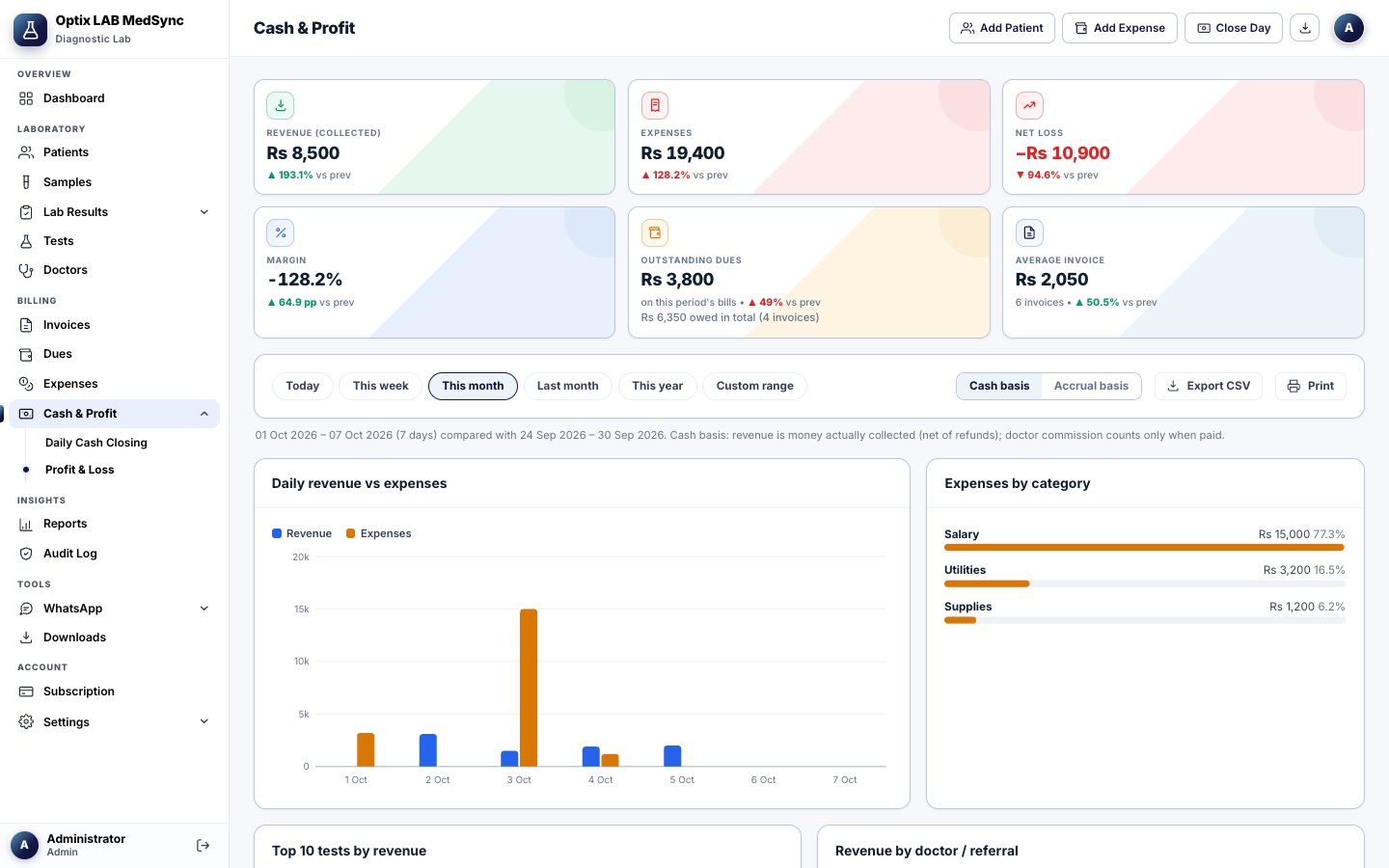
Close the day with a cash count, then see your profit and loss report.
See how a patient's values change over time on a simple graph.
Every change is recorded, so you can see what changed and who changed it.
Start with a ready test catalog and edit the report templates to match your lab.
Windows 7, 8, 10, 11 and Mac. Keep working without internet and sync with the cloud later.
Use the Android app or any browser. Give each person a role: admin, reception or technician.

Four steps from the front desk to the patient’s phone.
Add the patient, choose the tests and create the invoice. Any unpaid balance is tracked as a due.
Print barcode labels and scan each tube as it moves from collected to received, processing and done.
Normal ranges fill in by age and gender, abnormal values show in colour, and critical values raise an alert.
Print a PDF report with a verification QR, or send it to the patient and doctor on WhatsApp.

Simple software that fits how Pakistani labs actually work, with no special hardware and no waiting around for set-up.
What changes on the first day.
Optix Medical Sync is made by System Optix for diagnostic labs and collection centres in Pakistan. It bills in rupees, sends reports on WhatsApp and keeps working when the internet does not.
Running more than one branch? Multi-branch support is coming. Tell us what you need.
One lab account on your PC, phone and browser. Your data stays in sync through the cloud.
Every plan includes all the features below. Plans differ only in staff users and monthly invoices.
Small collection centre
Or Rs 25,000/year — 2 months free
Busy diagnostic lab
Or Rs 60,000/year — 2 months free
Chains & hospitals
Tailored to your lab or chain
All plans start with a 14-day free trial. Pay by JazzCash, Easypaisa or bank transfer.
Your lab’s data is stored on our cloud server, and every lab’s data is fully isolated — other labs can never see your patients or reports. Only the staff accounts you create can sign in, and we back up the server.
Yes. The Windows and Mac desktop app keeps working when your internet is down and syncs automatically with the cloud once you are back online. The web app needs an internet connection.
Yes. Sign in with your lab account on several PCs, on Android or on the web, and everything stays in sync through the cloud. Your plan sets how many staff users you can add — see the plans above.
When the 14-day trial ends, your account becomes read-only until a plan is activated. Nothing is deleted — once your plan is active you continue exactly where you left off.
Yes. You can export your lab’s data as a backup from Settings at any time. Your data belongs to you.
JazzCash, Easypaisa or bank transfer. No credit card is needed to start your trial. After you pay, submit your transaction ID and your plan is activated within a few hours.
Ask about plans, set-up or a live demo. Send us a message and we will get back to you.
Try every feature free for 14 days. No credit card needed.